
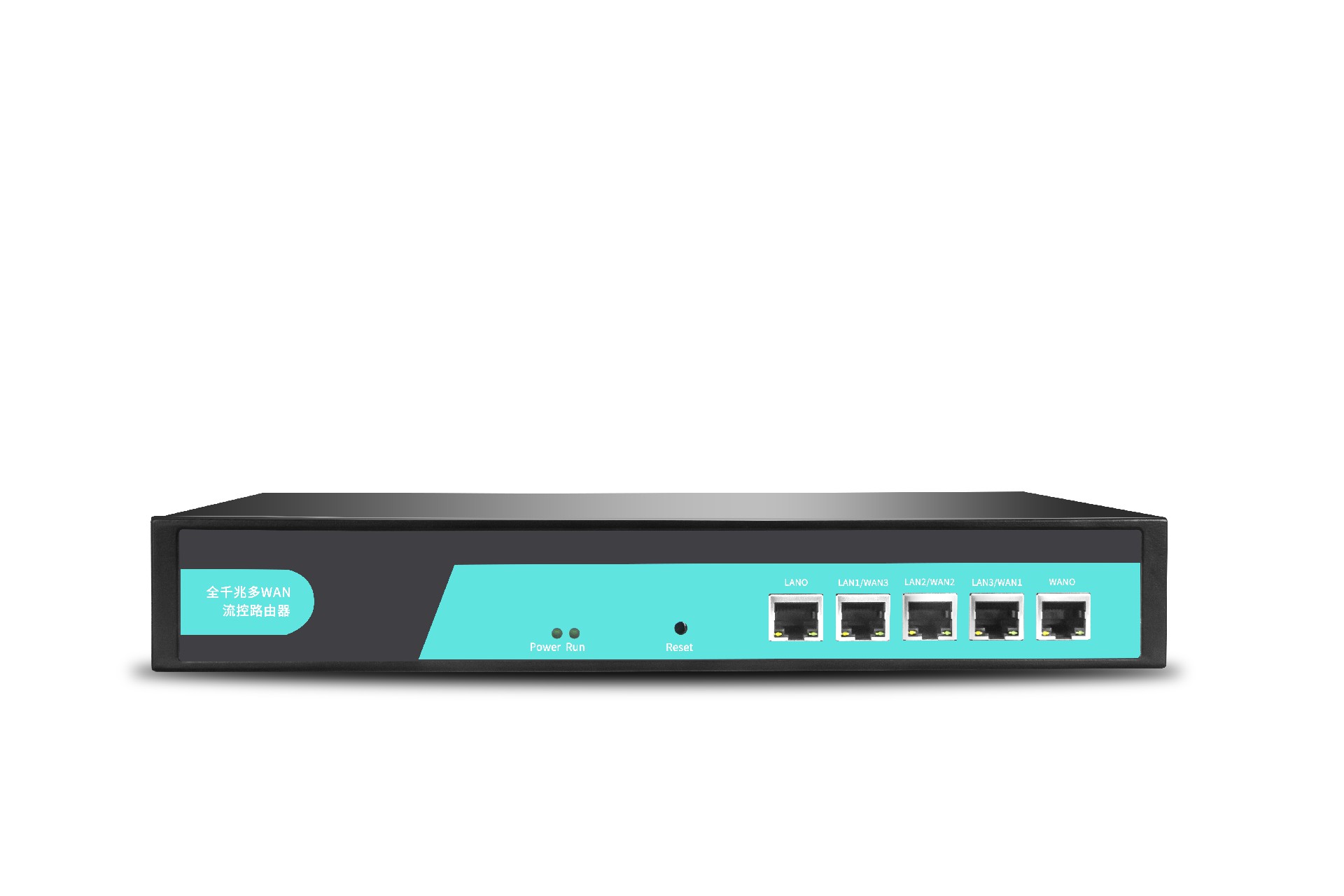







When the device is in 4G/5G wireless router mode, it will automatically reboot; how can this be disabled?
When the device is in 4G/5G wireless router mode, it will automatically reboot; how can this be disabled?
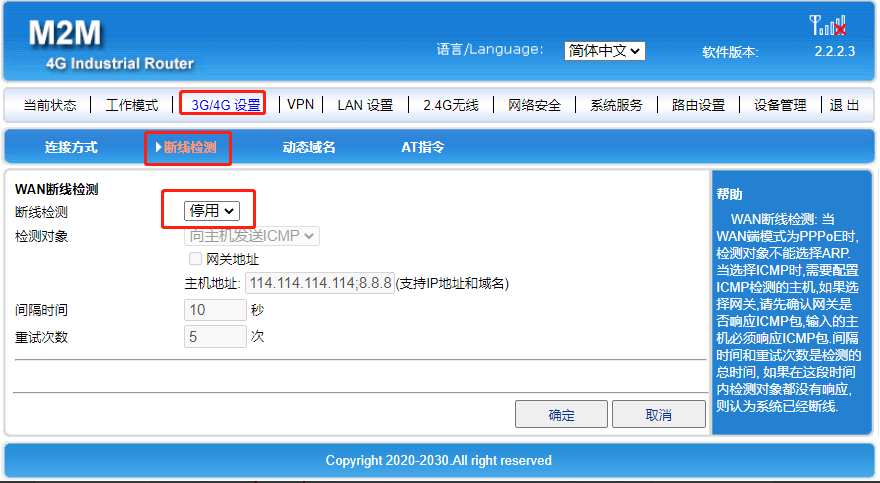
1. Wire Break Detection – Disabling
3G/4G Settings – Connection Loss Detection – Connection Loss Detection – Disable
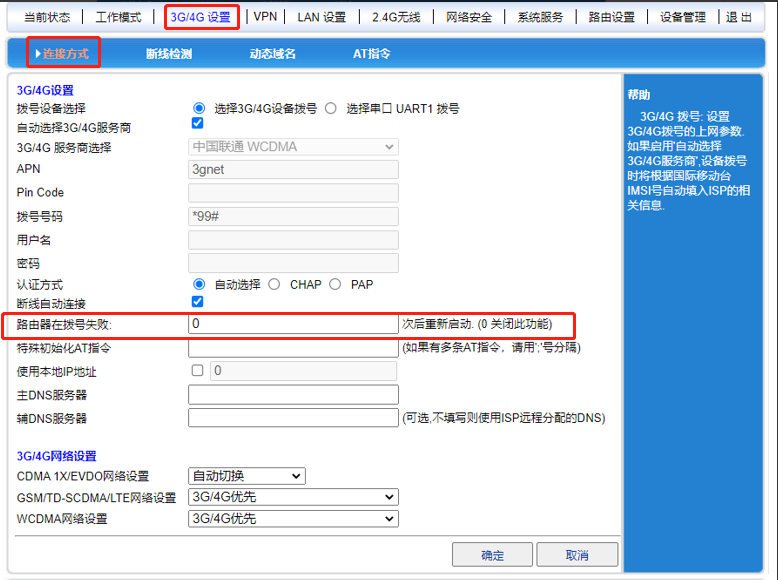
2. The router restarts after 0 dial-up failure attempts – disables this function.
3G/4G Settings – Connection Method – Router will restart after X consecutive dial-up connection failures
3. Timed Restart/ Scheduled Restart
Equipment Management-Equipment Management-Scheduled Restart/Manual Restart (For Scheduled Restart, enter '0'; for Manual Restart, uncheck all boxes)