

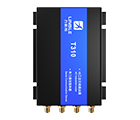
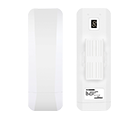








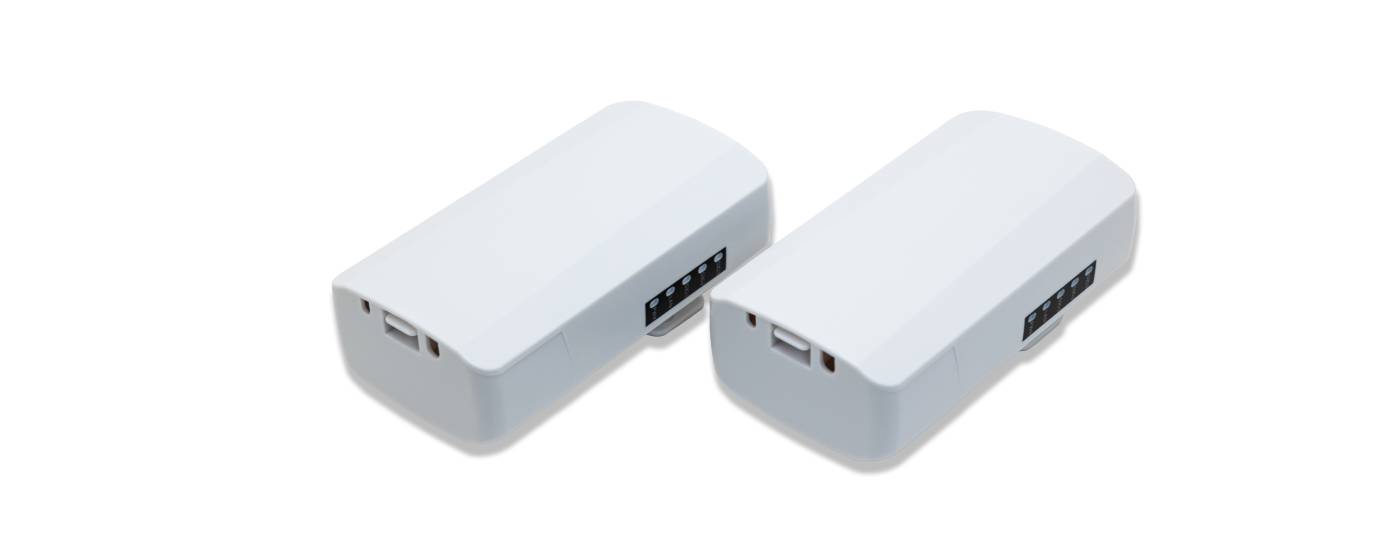
T300-B401
- Product details
- Data download
- Video and Documents
- FAQ
Product overview
1) Industrial-grade device with resistance to high and low temperatures, built-in multiple protections against electrostatic discharge, surges, and fast electrical pulses, easily adapts to various harsh environments, ensuring long-term stability and reliable operation.
2) Designed with outdoor IP65 protection against wind, rain, dust, and sunlight, easily adapts to various outdoor harsh environments.
3) Professional RF circuit adjustment to enhance RF transmission power and reception sensitivity, improving wireless transmission distance, performance, and stability.
4) Flexible power supply options, supporting 24V PoE remote power supply and DC 12V local power supply, with PoE Ethernet remote power supply distance of up to 70 meters.
5) Provides 802.11b/g/n WiFi 300M wireless transmission, paired with high-gain antennas, achieving a range of up to 500 meters in open, unobstructed environments. Also provides 10/100Mbps wired Ethernet access, with a throughput of 90+Mbps.
6) Default bridge SSID hiding and WPA2 data encryption to effectively ensure user data security.
7) Compact in size, supports wall mounting and pole installation, easy to install.
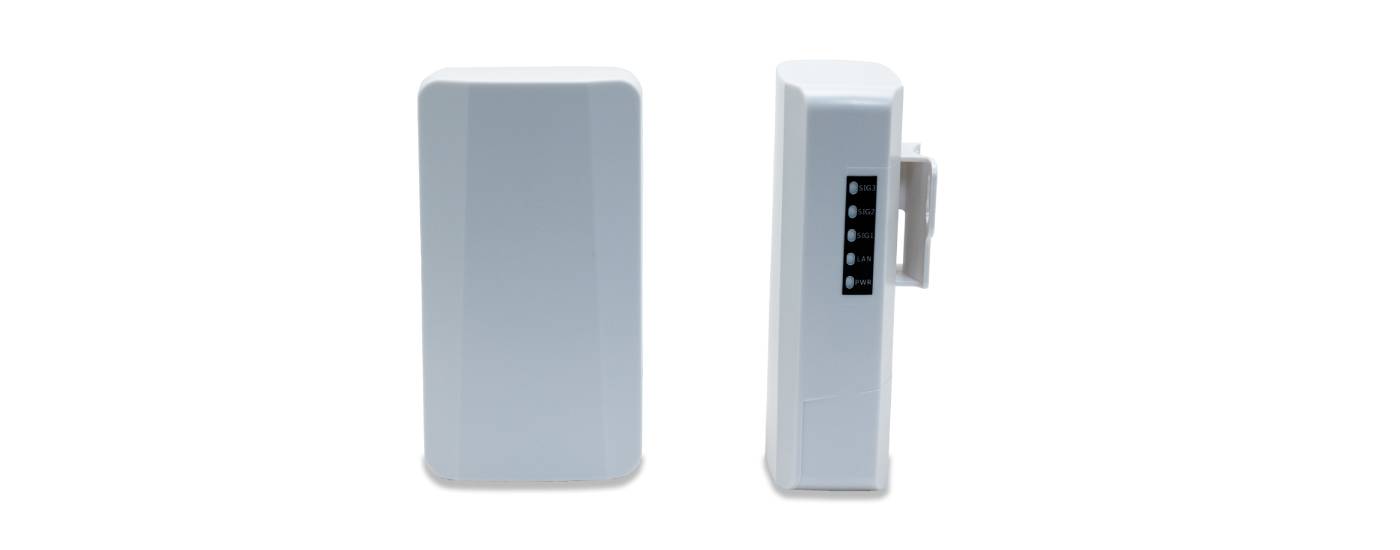
8) Rich status indicator lights for easy understanding of device operating status. Simple and clear web management interface for easy bridge configuration.
9) No need for professional knowledge or computer operation, easy pairing of the bridge through simple dialing and button pressing. Supports up to eight point-to-point connections.
10) Continuous product updates, feature enhancements, and performance optimizations to adapt to various network environments and improve user experience."
Hardware configuration | |
Main Chip | MT7628KN |
Frequency | 575MHz |
Memory | 8MB |
Flash | 1MB |
Wireless Technology | 802.11b/g/n 300Mbps MIMO |
Device Interfaces | LAN*1 10/100Mbps adaptive Ethernet ports DC power interface, compatible with power plugs with an outer diameter of 5.5mm, inner diameter of 2.1mm, and length of 9.5mm or above |
Buttons | Reset Factory/ Digital Compound Button, short press to adjust the numeric display value, long press for 5 seconds to restore factory settings. |
Indicators | PWR power indicator, LAN port status indicator, SIG1/SIG2/SIG3 signal strength indicators, numeric display. |
Antenna | Built-in dual-polarization 8dBi directional panel antenna (horizontal beamwidth 90°, vertical beamwidth 90°) |
Power | 24V/0.5A PoE remote power supply DC 12V/1A, positive external and negative internal |
Operating/Storage Temperature | -30℃~55℃/ -40℃~70℃ |
Operating/Storage Humidity | 10%~90%(operating) /5%~95%(storage) |
Dimensions | 140*75*34mm |
Weight | 0.15kg |
WiFi Spec | |
Frequency Range | 802.11b/g/n:2.4~2.4835GHz |
Channel | 1、2、3、4、5、6、7、8、9、10、11、12、13 |
Modulation | 802.11b: DSSS (DQPSK, DBPSK, CCK) 802.11g: OFDM (BPSK, QPSK,16-QAM) 802.11n: OFDM (BPSK, QPSK,16-QAM, 64-QAM) |
Transmission Rate | 11b up 11Mbps,11g up 54Mbps,11n up 300Mbps |
Receiver Sensitivity | 11b:≤-90±1.5dBm @1Mbps, ≤-84±1.5dBm @11Mbps 11g:≤-86±1.5dBm @6Mbps, ≤-69±1.5dBm @54Mbps 11n 20MHz:≤-85±1.5dBm @MCS0, ≤-67±1.5dBm @MCS7 11n 40MHz:≤-82±1.5dBm @MCS0, ≤-64±1.5dBm @MCS7 |
Transmit Power | 11b: ≥17±1.5dBm@11Mbps 11g: ≥15dBm±1.5dBm@54Mbps 11n: ≥14dBm±1.5dBm@MCS7 |
Software Functions | |
Operation Mode | Bridge Access Point, Bridge Client |
Network Topology | Point-to-Point, Point-to-Multipoint (up to eight points) |
Management Method | Chinese language WEB remote management / Local centralized management platform for bulk management |
Status | The system state/Bridge Status/Interface Status |
Bridge | Wireless Mode: Bridge access point/Bridge client Bridge access point: Bridge SSID/Encryption/Bridge Password/Wireless protocol/Wireless bandwidth/ Wireless channel/Wireless TX power Bridge client: Bridge SSID/Encryption/Bridge Password/MAC /Wireless channel/Wireless TX power |
Network | Obtain IP address: Automatic acquisition/Static IP IP address/Subnet mask/Gateway/DNS1/DNS2 |
System | System Debug/Change Password/Reboot/Reset /Upgrade |
 Click to download document materials